 Moknah
User Guide
Voice Changer
Make a recording sound like a different voice, with the same words and timing.
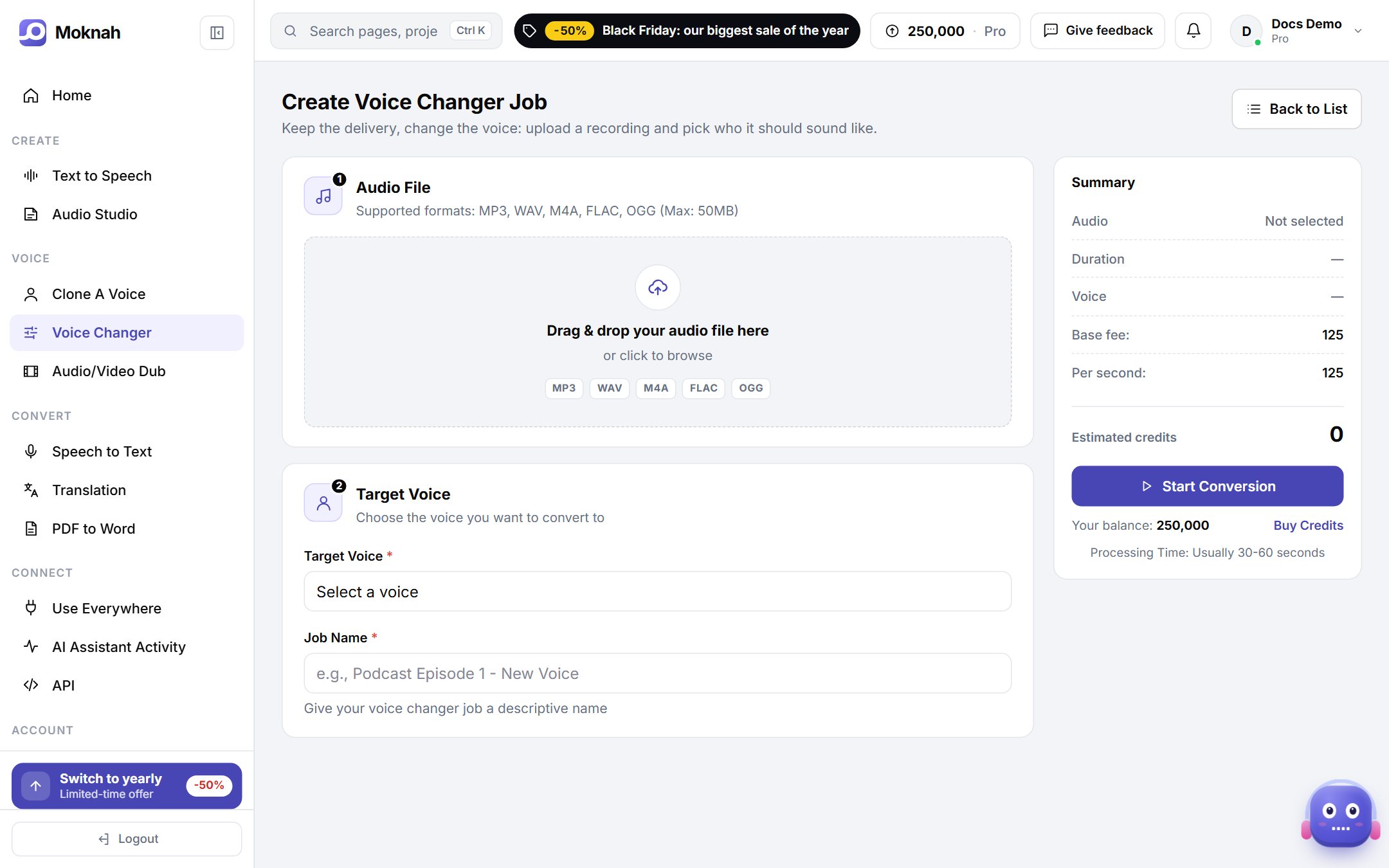
Change a voice
- Open Voice Changer and click New Voice Conversion.
- Upload your audio: MP3, WAV, M4A, FLAC or OGG, up to 50 MB.
- Choose the voice you want it to sound like.
- Start the job. When it is done, download the result from the list.
Tip
Start from a clean recording. Background noise and music carry over into the result.