 Moknah
User Guide
PDF to Word
Turn PDFs into editable Word documents, scanned ones included.
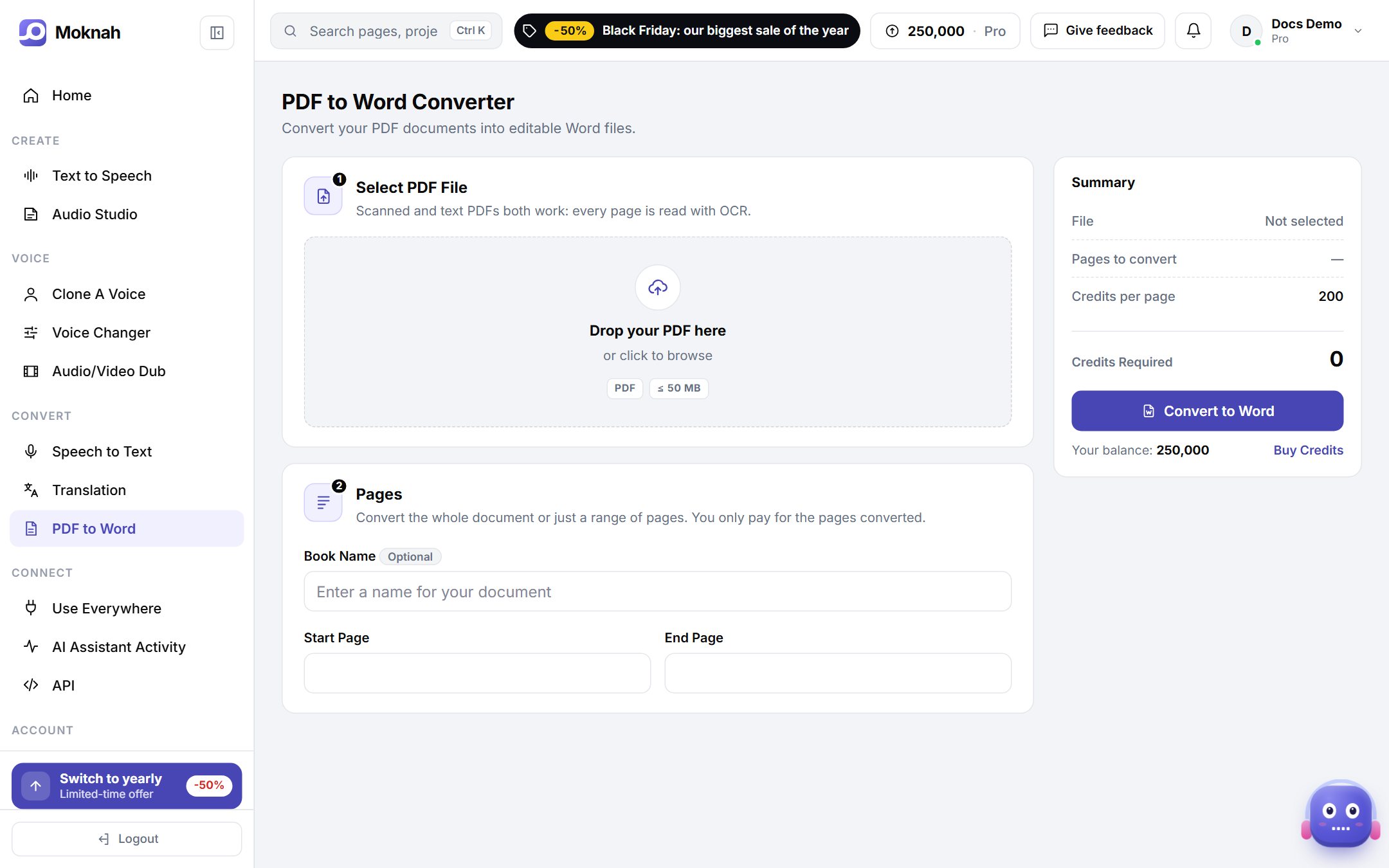
Convert a PDF
- Open PDF to Word and click New Conversion.
- Select your PDF. Scanned and text PDFs both work, because every page is read with OCR.
- Convert the whole document or only a range of pages. You only pay for the pages you convert.
- Give it a name if you like, then click Convert to Word.
- Download the Word file from your list of conversions.
Want it as an audiobook?
Use the Word file when you create an Audio Studio project.