 Moknah
User Guide
Translation
Translate text between languages with AI.
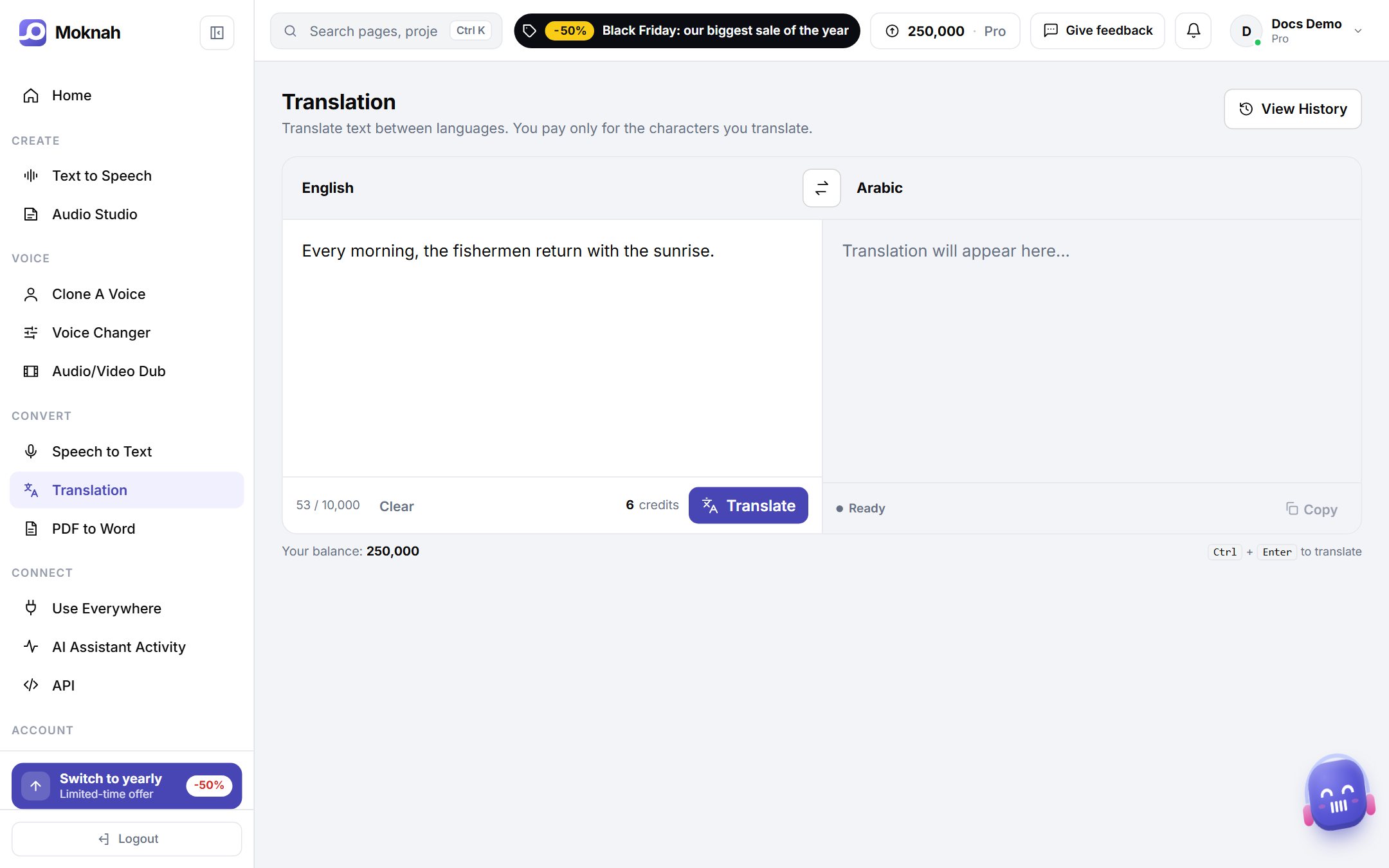
Translate text
- Open Translation.
- Type or paste your text.
- Choose the language to translate from and the language to translate into.
- Click Translate, then copy the result.
- Your recent translations are listed below. View History shows all of them.
Need it as audio?
Paste the translation into Text to Speech. In the Audio Studio, you can translate a whole project when you create it.