
Voice Changer
Transform audio between voices while preserving emotion, delivery, and accent
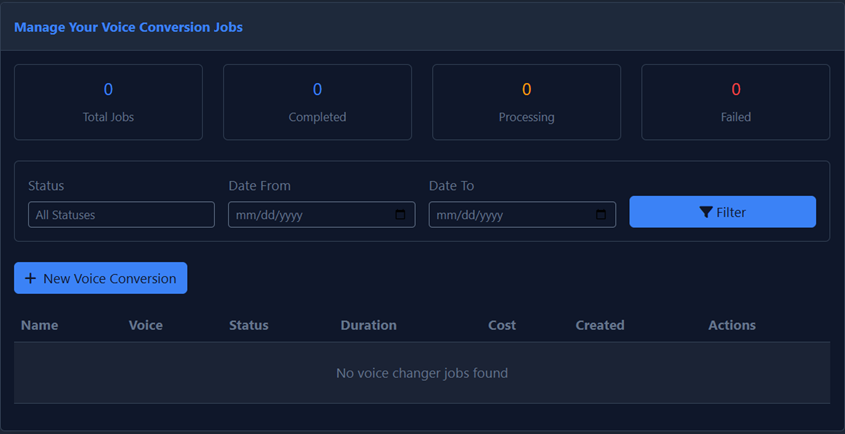
Overview
The Voice Changer converts one voice (source) into another (cloned voice) while keeping the tone, laugh, or whisper of the original. This powerful feature allows you to:
- Transform recordings into different voices
- Preserve emotional delivery from the source audio
- Maintain accents and speech patterns
- Convert amateur recordings into professional voiceovers
Supported Languages
Voice Changer supports the same 29 languages as the Identical model:
English (USA, UK, Australia, Canada), Japanese, Chinese, German, Hindi, French (France, Canada), Korean, Portuguese (Brazil, Portugal), Italian, Spanish (Spain, Mexico), Indonesian, Dutch, Turkish, Filipino, Polish, Swedish, Bulgarian, Romanian, Arabic (Saudi Arabia, UAE), Czech, Greek, Finnish, Croatian, Malay, Slovak, Danish, Tamil, Ukrainian, Russian.
File Specifications
| Specification | Limit | Notes |
|---|---|---|
| Max File Size | 50 MB | Compress larger files before uploading |
| Max Length | 5 minutes | Split longer files into segments |
If your audio is longer than 5 minutes, split it into multiple segments before processing. You can then combine the converted segments afterward.
Best Practices
Input Quality
Remove background noise before uploading. Clean audio produces the best results. Consider using noise reduction software if your source has ambient sounds.
Gain Levels
Ensure input gain is appropriate:
- Not too quiet: Low volume audio may result in poor conversion quality
- Not clipping: Audio that's too loud will introduce distortion that carries through to the output
Accents
The output retains the input's accent. If you record with an American accent using an Arabic voice clone, the result will be the Arabic voice speaking with an American accent. Choose your source audio accent carefully to match your desired output.
How to Use Voice Changer
- Upload Source Audio: Select or drag and drop your audio file (up to 50MB, max 5 minutes).
- Select Target Voice: Choose the cloned voice you want to transform the audio into.
- Process: Click the convert button to start the transformation.
- Download: Once processing is complete, download your converted audio.
For best results, use source audio that has clear speech with minimal overlap or interruptions. The Voice Changer works best with single-speaker audio.