
PDF to Word Converter
Convert PDF documents to editable Word format for the Text to Audio Studio
Overview
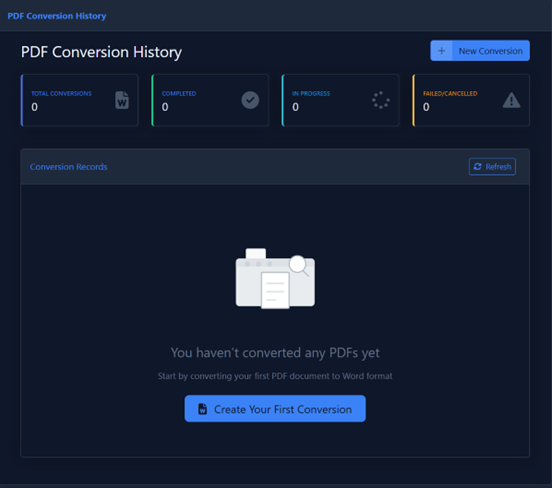
A utility tool designed to help you prepare content for the Text to Audio Studio. Since the Studio requires Word documents, this tool allows you to quickly convert PDF books or documents into an editable .docx format.
Key Features
| Feature | Description |
|---|---|
| Selective Conversion | You don't have to convert the whole book. Specify a Start Page and End Page to convert only the chapters or sections you need. |
| Optimized for Studio | Creates clean Word documents ready for import into Moknah's Audio Studio |
How to Convert
-
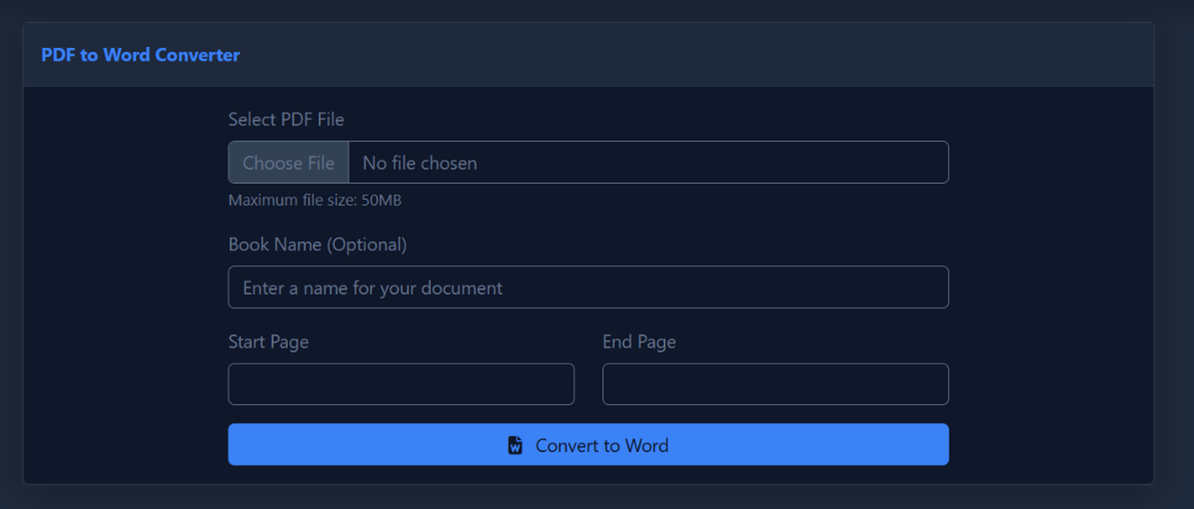
Upload PDF:
Select your PDF file.
Max Size 50 MB -
Book Name:
(Optional) Enter a name for the output document.
-
Page Range:
Enter the Start Page and End Page numbers to extract specific sections.
TipLeave the page range blank to convert the entire PDF file.
-
Convert:
Click Convert to Word to process and download your editable
.docxfile.
Next Step
After converting your PDF, head to the Text to Audio Studio to import your Word document and generate audio for the entire book.