
Audio & Video Dubbing
Translate and replace original audio in videos while preserving speaker characteristics
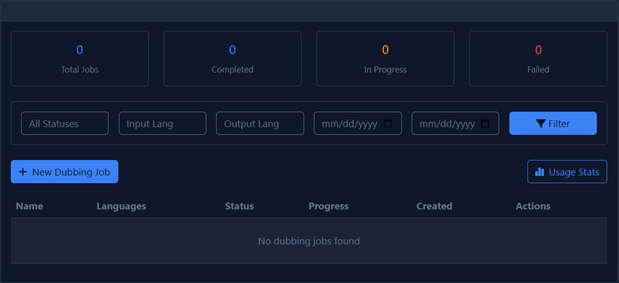
Overview
The Dubbing feature allows you to translate and replace original audio in videos while preserving the unique characteristics of the original speakers. This is perfect for:
- Localizing video content for international audiences
- Creating multilingual versions of training materials
- Dubbing podcasts and interviews into different languages
- Translating marketing videos while maintaining brand voice
Step-by-Step Guide
-
Navigate to Dubbing:
Go to Audio/Video Dubbing in the Navigation Menu.
-
Create New Job:
Click New Dubbing Job and enter a name for your project.
-
Upload Your File:
Upload your video or audio file that you want to dub.
-
Select Languages:
Choose the Original Language (source) and Target Language (destination).
-
Voice Selection:
- Select a specific voice: Choose a voice from your library.
- Leave blank: Let the system automatically clone the original speaker's voice.
-
Start Dubbing:
Click Start Dubbing to begin the process.
Automatic Voice Cloning
When you leave the voice selection blank, the system will analyze the original speaker's voice and create a clone that speaks in the target language, preserving the speaker's unique vocal characteristics.